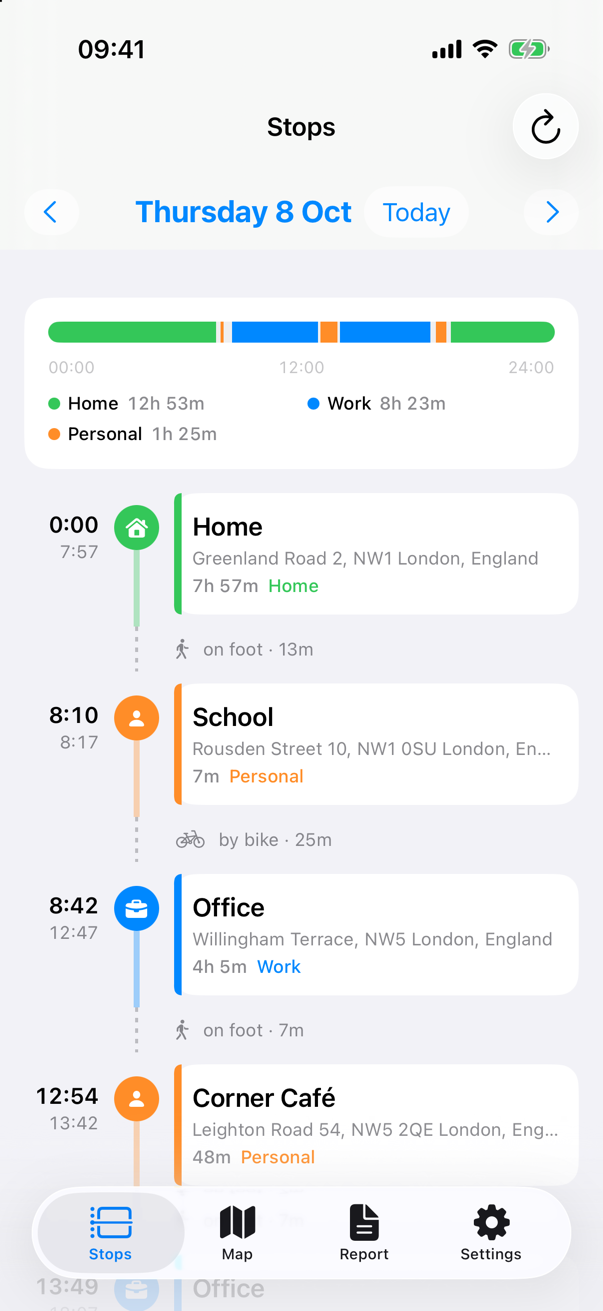
Stops
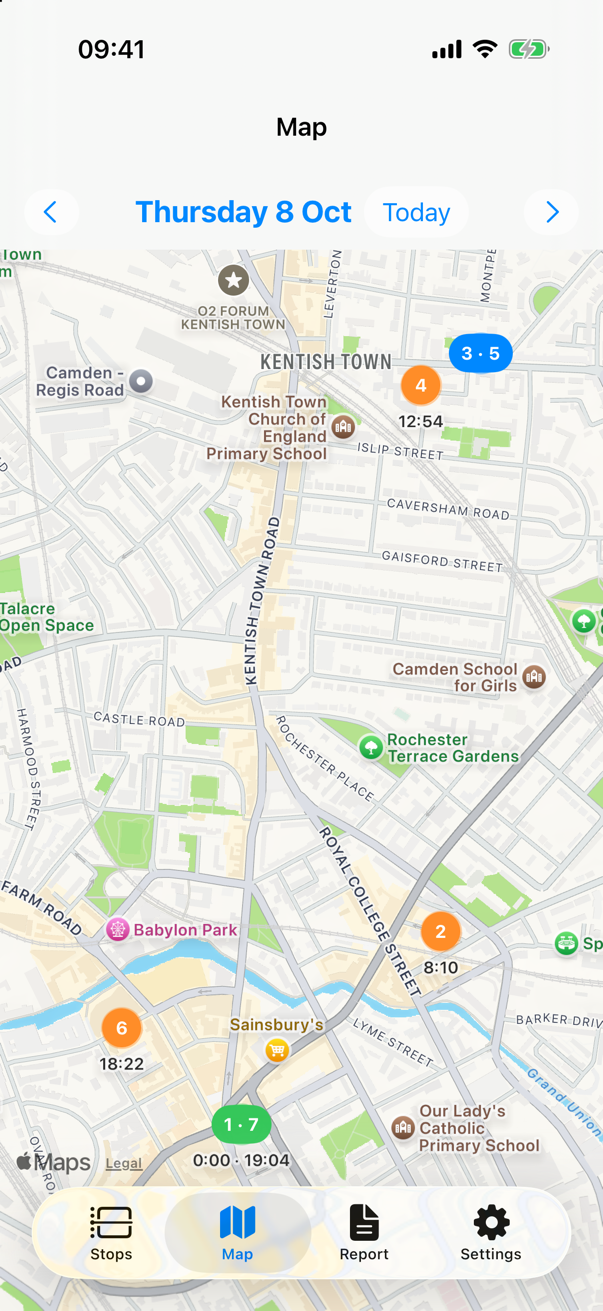
Map
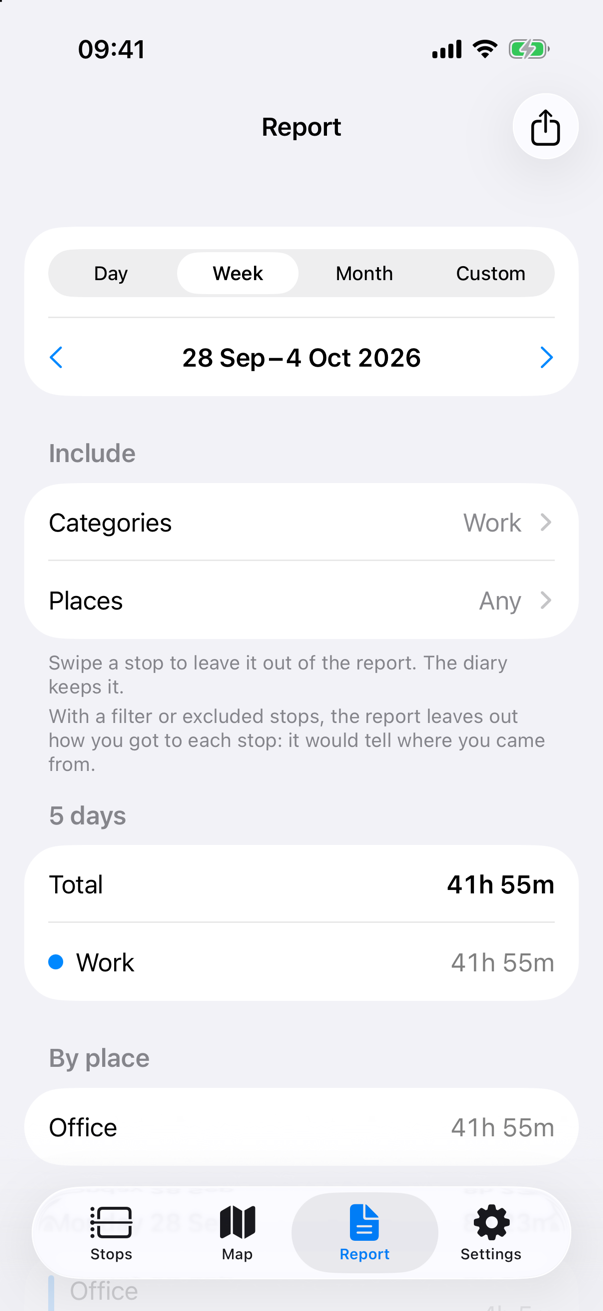
Report
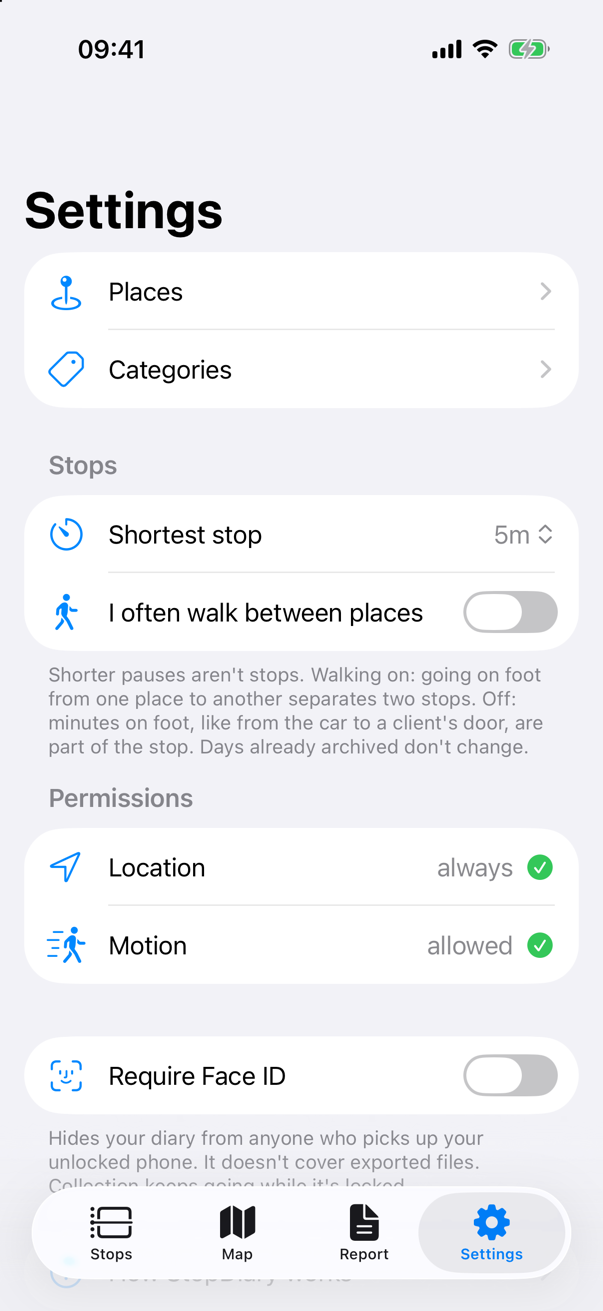
Settings
StopDiary rebuilds the stops of your day — where you were, when you arrived and when you left — with no check-ins, no timers and no continuous GPS tracking. Everything stays on your iPhone.
Hours at the office, visits to clients, time at the gym: StopDiary keeps the record for you, without asking you to remember anything.
Each stop with its place, arrival and departure time. You don't press start or stop, and you don't need to open the app during the day.
Your day as a timeline colored by category, with a 24-hour ribbon that shows at a glance how much time went to work, home and everything else.
Name a place once and StopDiary recognizes it every time you go back. Use the built-in categories — Work, Home, Personal, Leisure — or create your own.
See all the day's stops on the map, numbered in the order you visited them.
Pick a period, filter by category or place, leave out the stops you don't want, then share the report as a PDF or a CSV for your spreadsheet.
No account, no server, no tracking. Your diary lives only on your iPhone, and you can lock it with Face ID.
StopDiary never turns on GPS to follow you. It combines two things your iPhone already knows.
iOS tells StopDiary when it recognizes that you've stopped somewhere, using sensors the phone keeps on anyway. This gives the place of each stop. It needs location access set to "Always".
The motion history of your iPhone (still, walking, cycling, driving) tells when each stop begins and ends, so arrival and departure times are accurate.
Because nothing runs continuously, battery use is the same as without the app. iOS wakes StopDiary only when it has a stop to deliver.
Dates and durations follow the format of your iPhone.
The things worth knowing to get the most out of StopDiary.
No. You don't need to look at it, or even open it during the day. iOS wakes it up by itself when it has a stop to deliver, even with the phone locked in your pocket.
iOS delivers them when it wants, even hours later, sometimes all together at the end of the day. An empty list in the afternoon doesn't mean something is wrong.
"Always" lets iOS deliver places reliably while StopDiary is closed. iOS doesn't offer "Always" the first time: the way that always works is Settings > Privacy & Security > Location Services > StopDiary > Always. StopDiary still never tracks your route.
Going back to the Home Screen is fine. Swiping StopDiary away in the app switcher tells iOS you don't want it running, and iOS stops waking it up until you open it again. Stop times are recovered anyway from the motion history; places of the stops in between may be missing.
Yes, with a Shortcuts automation. In Shortcuts, open the Automation tab, tap +, choose Time of Day, set the time with Daily and Run Immediately, then Next and the Open App action with StopDiary.
Collection resumes by itself. But until you unlock the phone once after turning it on, its storage stays encrypted and a stop delivered in that window can't be saved. After a restart, unlock your phone.
Only on your iPhone. StopDiary has no account and no server, and the developer can't see your data. Deleting the app deletes the diary. See the privacy policy for details.